
Reports Screen
Observe your call center performance with detailed reports. Access all the data you need to easily evaluate your operation.
Reports Screen: Call Center Performance Analysis
Thanks to the Frontier Reports Screen, you can access all the information you need to improve processes by reviewing your call center data. This screen, which contains both real-time and historical data, provides a clear view of your operation. Filter all your inbound and outbound call data according to the criteria you want and create your personalized reports. This data can be filtered and analyzed by options such as date, time, wait queue, customer representative, or phone number.

Assessing Agent Performance
Measure your customer representatives’ performance with detailed reports and easily identify areas for improvement. You can instantly access all information such as log-in/log-out times, number of answered calls, and number of calls made and reached. You can organize reports for different time periods, such as daily, weekly, or monthly. In addition, with advanced filtering options, you can view performance reports for your representatives’ different areas of expertise separately.
Easily Accessible Reporting Panel
You can access reports for any day or time range you want from anywhere without any restrictions. You can download and review the report you want to prepare with all the data accumulated up to that moment. Moreover, you can do this easily from a computer, tablet, or smartphone. You can either view the reports on the preview screen or export them in Excel format.

Access All Your Past Records
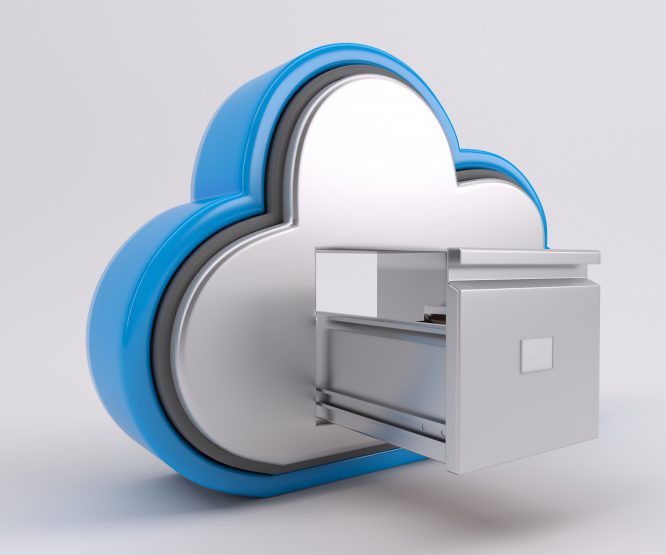
From the first day you start using Frontier, all reports for your operation are automatically generated in the system. You can effortlessly access all data at any time and with the filters you set through the Reports Screen. No matter how long you have been using the system, you can query data from previous years. By comparing this data with the current year’s performance, you can clearly observe the development of your operation and measure your performance in the most accurate way with Frontier’s advanced reporting and analysis tools.
Special Filtering Options
Frontier’s Reports Screen gives you full control with its advanced filtering features. You can create and review historical reports by setting the time intervals you want. You can filter the reports according to various options such as date, queue, or agent to get the data in the exact format you want.

Custom Reports
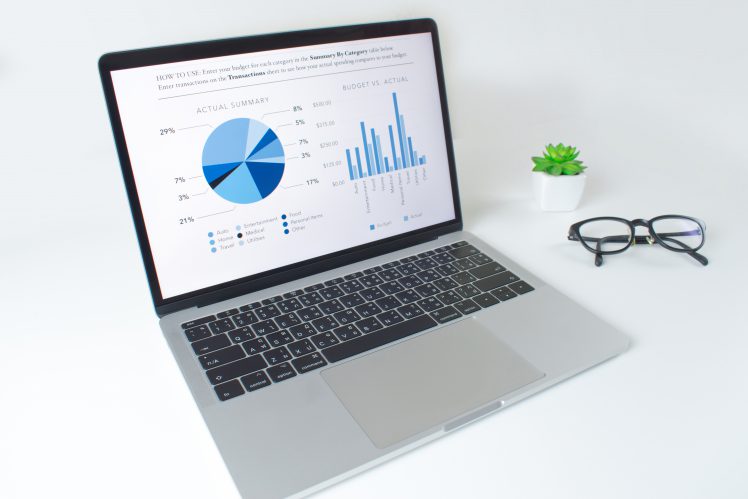
Thanks to Frontier’s payment system integrations, you can personalize your reports according to your needs. Custom reports, such as credit card integration with Iyzico or the details of your automatic call scenarios, help you increase your operational efficiency. With the Iyzico reports you create, you can review the collections and amounts made by your customer representatives and easily report whether each transaction was successful or unsuccessful. In your automatic call scenario, you can access the results of all call attempts individually, or you can prefer a report that focuses only on the latest data. You can also use the cumulative view feature in the reports you prepare with Frontier technology.
Reports Integratable with API
Thanks to Frontier’s ready-to-use APIs, you can easily transfer all your data to systems such as ERP or CRM. Use reporting tools to create your own custom charts and analyses. In addition, by transferring data directly to platforms like Google Data Studio, you can clearly see the relationship between your calls and order numbers or your turnover.

How Can We Help Your Business To Grow?
You can have the opportunity to try our products by filling out the demo request form below.