
Video Call
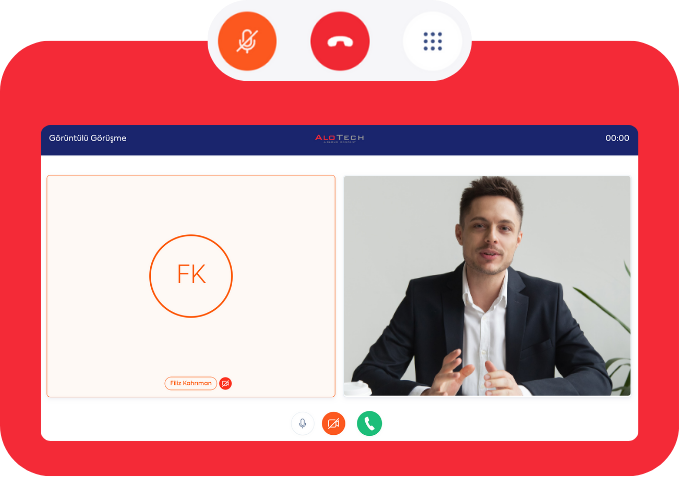
Which is available via our Click2Connect product, you can provide face-to-face communication without requiring any additional software.
Provide effective solutions through face-to-face communication. Frontier‘s Video Call feature offers call centers a more effective, warmer, and faster communication opportunity.
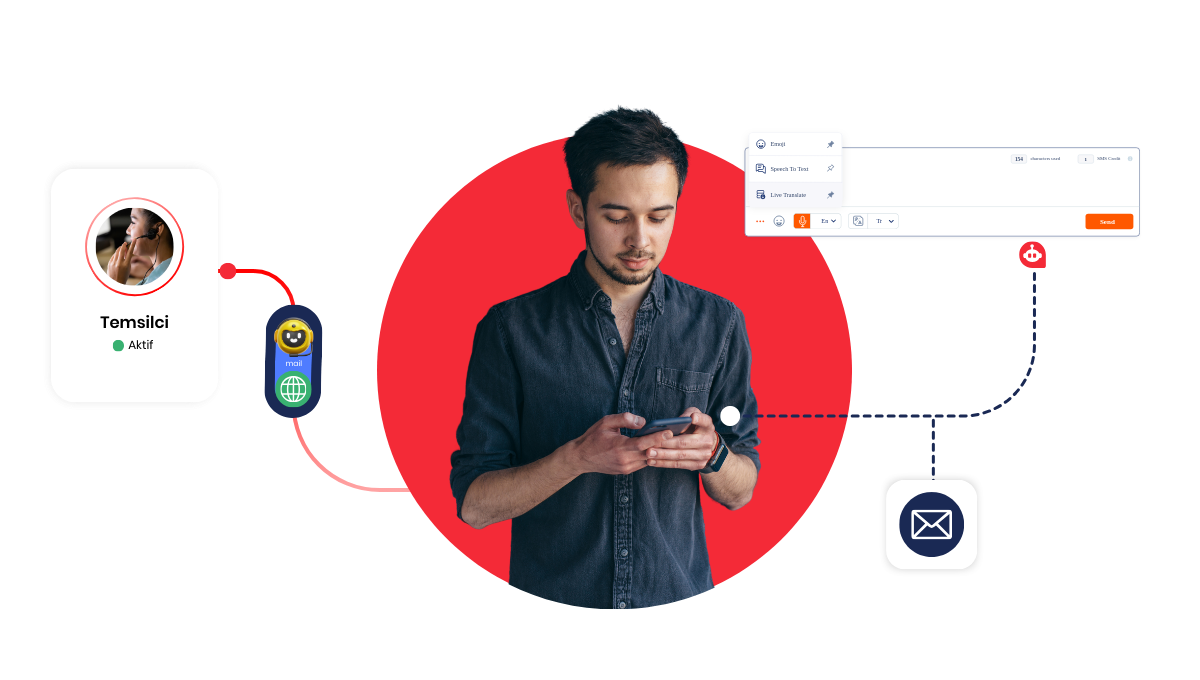
How Does Video Call Work?
Key Features
High-Quality Image and Sound: Video calls offer a professional experience with clear audio and video quality.
Custom Interface for Your Brand: Customize the call screen to suit your corporate identity. Colors, logos, and design are completely under your control.
File and Message Sharing During the Call: You can share files, links, or written explanations via chat during the conversation.
Recording and Review: All calls can be recorded. These recordings can be used in quality control, training, and reporting processes.
Supervisor Tracking: Supervisors can monitor live calls, evaluate agent performance, and instantly access detailed call data.
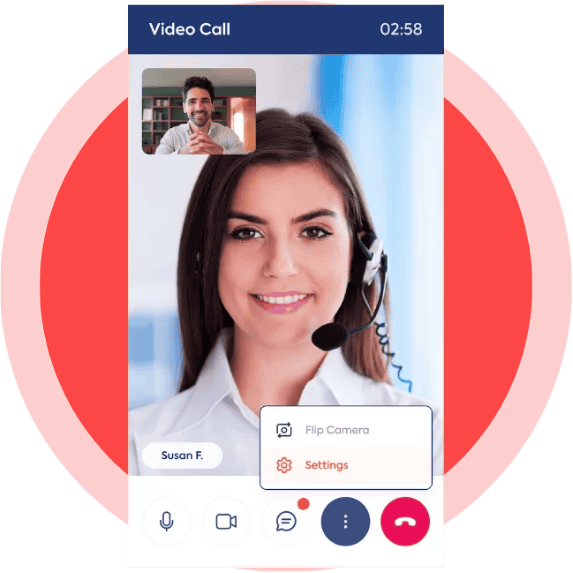

Why Video Call?
Video call support, which enables your customers to express themselves better and your agents to provide faster solutions, offers multiple advantages:
More effective resolution with visual explanation for complex requests.
An experience that builds trust through face-to-face communication.
Process tracking and quality enhancement with recorded calls.
Opportunity for instant guidance and direction.
Boost Your Support Power with Video Call!
The Video Call feature, one of Frontier‘s next-generation communication solutions, can be easily activated via Click2Connect.
With this feature, which does not require downloading a different application, there is no need for integration complexity. You can offer a much better experience to your customers with just one connection.
How Can We Help Your Business To Grow?
You can have the opportunity to try our products by filling out the demo request form below.